Saturday, July 12, 2014

Tplink TL-WR740N Access Point Quick-setup

Connect the Internet cable with Tplink TL-WR740N Access Point via WAN port. Connect the PC with Tplink TL-WR740N Access Point via LAN then follow the below steps

In Web browser enter the AP IP address 192.168.0.1 and press enter key from the keyboard. Enter the username and password admin and press enter key to login

  1. Click on Quick Setup 
  2. Click on next button


  1. In WAN connection type select Dynamic IP
  2. Click on Next button

Tuesday, July 8, 2014

ZXDSL-831CII Configration By Quick Start


In web brower address bar type the modem IP address 192.168.1.1 and press enter key then type the username and password admin then press enter to login
  1. Click on Quick Start button
  2. Click on the next button


  1. In ISP connection type select PPPOE/PPPOA 
  2. Click on Next button

Monday, June 23, 2014

Zyxel P-660R Series Modem Configration


Open web browser and enter modem IP address 192.168.1.1 in web browser and enter username "admin" and password "admin" for login.

  1. After login click on "+Quick Start"  
  2. Click on "Quick Start"
  3. Click on "Run Wizard" button


After clicking on Run Wizard button and new window appears

  1. Click on Next button

Tuesday, June 3, 2014

EchoLife HG520c Modem Wireless LAN Settings


  1. Open web browser and in address bar enter the IP address 192.168.1.1 and press enter button then enter the username and password "admin" and click on login buttonthen click on "+ Basic "  
  2. Click on "Wireless Lan" Option
  3. In access point option select "Enable"
  4. Select the country "Pakistan"
  5. Enter the SSID (any name)

Monday, June 2, 2014

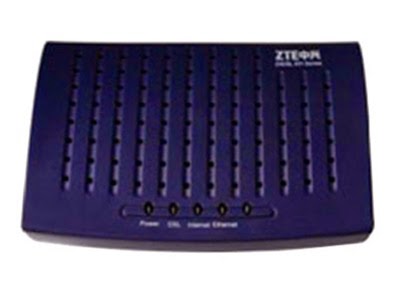
ZTE ZXDSL 831 Series modem WAN configration

\

  1. Open web browser and in address bar enter the modem IP address "192.168.1.1" and press Enter key from the keyboard.
  2. Enter the username and password "admin" and press ok button


  1. Click on "Quick Start" option
  2. Click on "Quick Setup"
  3. Enter the VPI (Provided the ISP)
  4. Enter the VCI (Provided the ISP)
  5. Click on Next button